
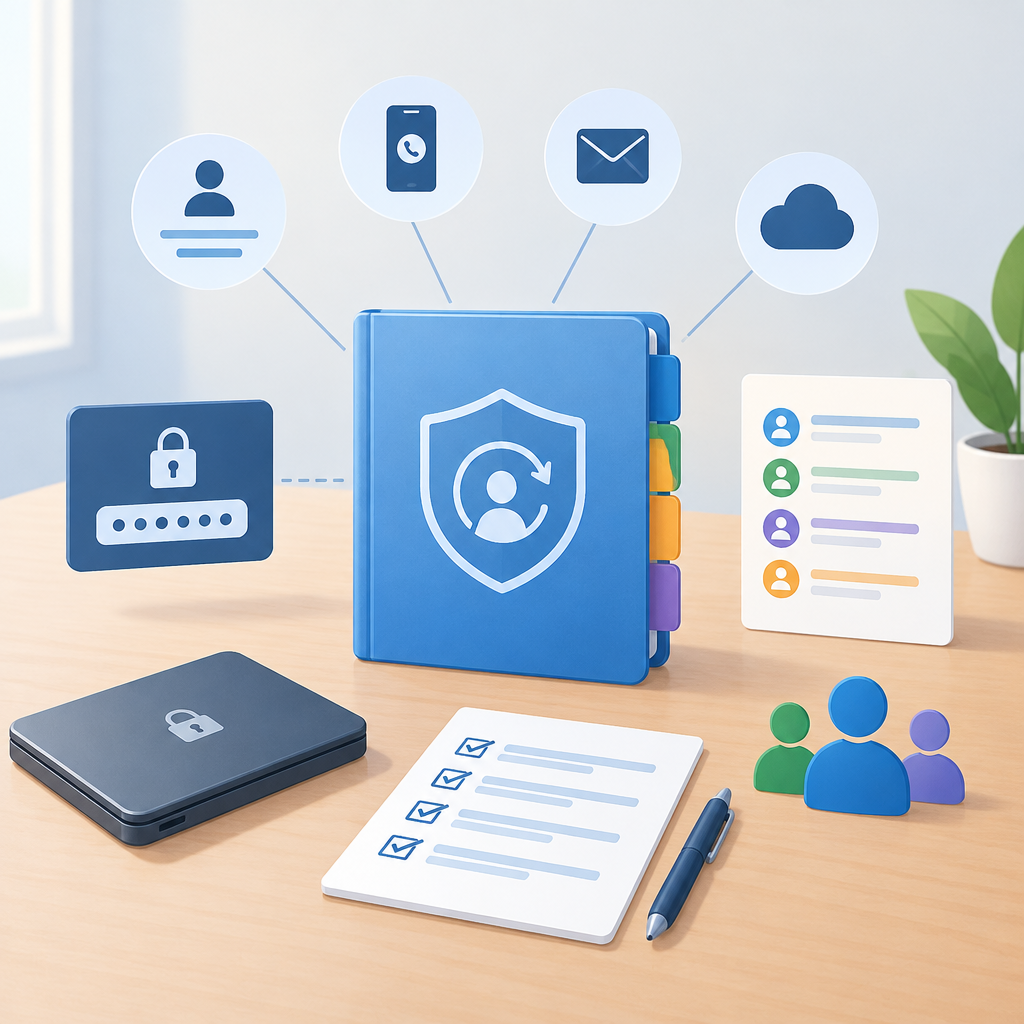
Start with the goal and define what recovery information is
Account recovery information is not the same thing as a password, and the difference matters. Passwords prove who is allowed in right now; recovery information helps restore access later if a device is lost, a sign-in method fails, or a primary owner is unavailable. Begin by listing the accounts that matter most: email, cloud storage, banking, domain registrar, password manager, device management, and any service tied to identity or business continuity. For each one, identify the recovery methods the vendor supports, such as backup codes, alternate email addresses, phone-based recovery, hardware security keys, recovery contacts, printable codes, trusted devices, or administrator-assisted reset flows. The prerequisite is simple: know which accounts are personal, which are shared, and which are business-critical. Treat the list like a network inventory for identity. If you do not know where recovery options live, consult the vendor documentation before making changes. Stop if the account has no supported recovery path and the vendor prohibits custom arrangements; in that case, document the limitation instead of inventing one.
Separate passwords from recovery artifacts
The safest organization starts by separating secret authentication material from recovery aids. Do not store passwords, one-time codes, and recovery notes in the same file or the same unsecured folder. Keep passwords in a password manager or another approved vault, and keep recovery artifacts in a different protected location with limited access. Recovery artifacts may include printed backup codes, a sealed envelope with emergency instructions, a record of registered devices, or a note that says where to find a hardware key. Avoid recording the actual password in any recovery note, even if you think the document is private. A recovery file should answer the question, “How can access be restored without revealing the secret?” not “What is the secret?” A good rule is that a helper should be able to verify identity and trigger a reset, but not sign in as you. If your environment uses cloud storage, place recovery documentation in a restricted folder with explicit sharing settings and review them separately from the document contents. If you cannot keep the two categories apart, simplify the system before adding more accounts.
Build a recovery map for each account type
Hypothetical example for practice.
Create a recovery map that captures only what is needed to restore access. For each account, record the owner, purpose, primary sign-in method, recovery contact or alternate address, second factor, backup codes location, device trust status, and any escalation route. For a cloud account, also note whether recovery is tied to a tenant administrator, a personal email, or an organization-managed phone. For a network service, note whether access depends on a domain account, local account, or federated identity provider. Keep the map in plain language, because the person reading it during an outage may be under stress. If settings vary by vendor, describe the concept rather than the menu path: for example, “configure a backup email in account security settings” is safer than assuming a fixed interface. Use labels that make sense later, such as “primary recovery email” and “emergency codes stored offline.” Hypothetical example: on an authorized small-business system, an employee’s email account might list a hardware key as the main second factor, a printed backup-code sheet in a locked drawer, and the help desk as the reset path if both are lost. Verify each item by checking the live account, then update the map immediately after any change.
Choose storage locations that match the sensitivity level
The storage location should match the sensitivity and frequency of use. Low-frequency emergency information belongs offline or in a tightly controlled vault, while frequently consulted instructions can live in a secure team repository with restricted access. If you use cloud storage, prefer folders with explicit membership, audit logs, and version history so accidental edits can be undone. If you keep paper copies, store them in a physically protected place such as a locked file cabinet or safe, and document who may access it and under what conditions. For households or small teams, it is often better to have two copies in different places than many copies scattered across devices, because duplication increases the chance of leakage. Avoid screenshots in photo libraries, copied notes in chat apps, or recovery emails forwarded to group aliases unless your security policy specifically allows it. The reversible approach is to start with one storage method, test it, and then add a backup copy only after confirming the first is accessible and protected. Stop if a storage choice forces you to weaken access controls on unrelated data; that usually means the design is too broad.
Use role-based access for trusted helpers
If another person may need to help with recovery, define their role before a problem occurs. A trusted helper does not need your password; they need enough information to identify the account, confirm authority, and follow the vendor’s recovery workflow. Separate roles into owner, delegate, and emergency contact. The owner controls the account. The delegate can manage recovery settings or approve changes. The emergency contact only assists during a verified recovery event. Use the least access needed for the role. In a business setting, that may mean a help desk can initiate a reset but cannot read stored backup codes. In a personal setting, a spouse or family member may know where the sealed recovery envelope is kept but not its contents. Document the conditions that justify access, such as loss of the primary device, prolonged absence, or account lockout after verified troubleshooting. Common mistakes include giving a helper the password “just in case,” placing all recovery duties in one person, or failing to revoke access when roles change. Recheck the helper list after device replacement, staffing changes, or relationship changes, and remove obsolete contacts promptly.
Test recovery paths before you need them
Hypothetical example for practice.
Recovery plans are only useful if they work under real conditions. Schedule a controlled test for each critical account, but keep the test reversible and low risk. For example, verify that the recovery email still exists and can receive mail, confirm that backup codes are available, and check that the trusted device list is current. If the vendor supports a non-destructive sign-in check or a recovery preview, use it. If not, test one path at a time and stop before making changes that could lock you out. Always document the pre-test state so you can restore it if needed. Keep the test separate from actual emergency use: do not reset a production password unless you have a valid reason and a complete rollback plan. For cloud and application accounts, confirm that changes propagate correctly across devices, sync clients, and federated sign-in systems. A frequent troubleshooting issue is stale cached credentials on phones or laptops after a recovery update, so verify from at least two authorized devices if possible. Hypothetical example: on an owned laptop, you might confirm that an alternate email receives the reset link, then restore the original settings immediately after the check. Stop if the test exposes missing ownership proof, broken mail delivery, or unclear approval steps.
Document reset procedures and verification steps
A recovery note should explain the process, not just the destination. Write down the steps needed to prove authority, request a reset, and confirm that the account is fully restored. Include the exact recovery channel, required identity checks, and where to verify successful completion afterward. For example, after an email reset, verify mailbox access, check forwarding rules, review account recovery settings, and confirm that second-factor methods still belong to the correct owner. For cloud applications, also check session revocation, device enrollment, and connected app permissions. If the vendor offers security alerts, enable them so unexpected recovery changes are noticed quickly. Keep the procedure brief enough that another authorized person can follow it under stress, but detailed enough to avoid guesswork. Avoid copying full secrets into the procedure; instead, refer to their storage location. Common mistakes are forgetting post-recovery checks, relying on memory, or assuming a reset on one service automatically fixes dependent services. The reversible practice is to use a draft procedure first, then refine it after a test or a real incident. If the vendor’s flow changes, update the document immediately and note the date of revision for future troubleshooting.
Review, audit, and stop when the system is good enough
Account recovery organization is an ongoing maintenance task, not a one-time cleanup. Set a review cadence that matches risk: monthly for critical business identities, and after major changes such as device replacement, role changes, domain moves, or security incidents. During review, check that recovery email addresses still work, phone numbers are current, backup codes have not expired or been used, and old devices are removed from trusted lists. Verify that cloud folders, paper copies, and vault entries still reflect the same reality. If you find drift, fix only one layer at a time so you can confirm the effect. Good enough means the recovery path is clear, the helper roles are limited, the storage is protected, and the verification steps are known. Stop adding complexity once each critical account has at least one documented and tested recovery path, one secure storage location, and one person who understands the process. Extra layers are not always safer if they create confusion during an outage. The best final check is simple: an authorized person should be able to explain, without seeing the password, how access would be restored, what proof is needed, and where to confirm the account is back under control.
Post a Comment