
1. Start With a Safe Objective and a Stop Rule
Before you delete an original archive, define exactly what must be true for the copy to count as valid. The goal is not merely that the destination folder contains something with the same name. The goal is that the copied data can be opened, decrypted if needed, read by the intended application, and shown to match the source in a way that is appropriate for the storage method. On owned or authorized systems, begin with a clear stop rule: do not remove the original until verification has passed and any mismatch has been explained.
A practical stop rule should include at least three checks: the destination is fully written, the file count or manifest matches expectations, and a content-level verification method confirms integrity. If the archive is large, encrypted, compressed, or transferred over a network, add a fourth check for successful completion of the transfer tool itself. Avoid relying on timestamps alone because they can change during copying and do not prove content integrity. If anything is unclear, stop and keep both copies. The safest decision is to preserve the original until a later review confirms the copy is usable.
2. Prepare the Source, Destination, and Verification Method
A reliable verification process starts before the copy begins. Confirm the source archive is not actively changing. If a database export, sync folder, or application backup is still being written, verify that the export has completed or that the application provides a consistent snapshot. If the source lives on cloud storage, shared network storage, or removable media, make sure the connection is stable and that you have permission to read it fully. A partial source can produce a valid-looking copy that is missing important data.
Choose a destination with enough free space for the full archive and any temporary verification files. If you are copying across systems, prefer a transport path that can report transfer errors clearly, such as a file synchronization tool, object storage client, or copy utility that preserves exit codes. For verification, use a method that fits the file type: checksum comparison for archives and packages, file count and manifest comparison for directory trees, or an application-level open test for files that need parsing. If the archive is segmented, encrypted, or container-based, verify each part and the assembled result rather than assuming the outer filename is enough.
3. Use Hashes, Checksums, and Manifest Files Correctly
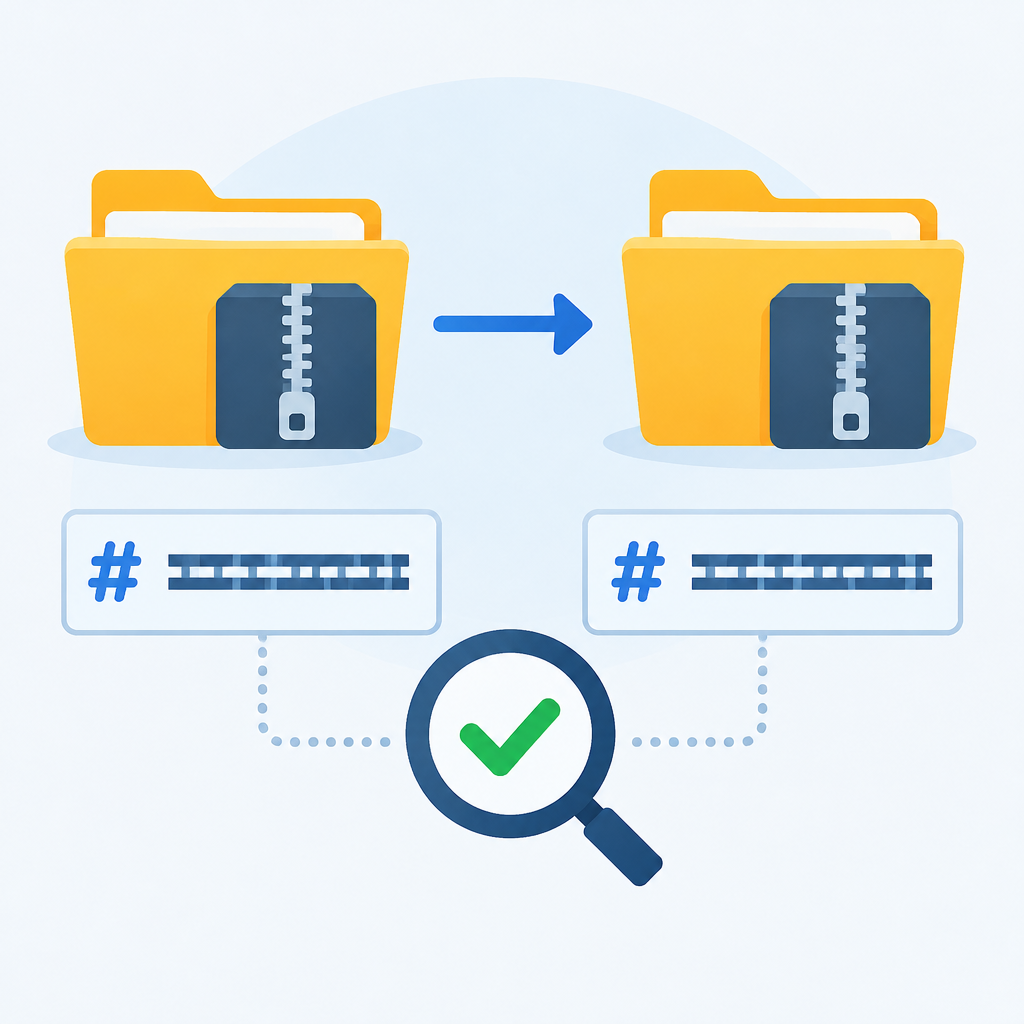
For a single archive file, a cryptographic hash or checksum is often the simplest proof that the copy matches the original byte for byte. Generate the hash on the source, copy the file, then generate the hash again on the destination and compare the results. If the values match, the content is the same. Use a modern hash algorithm that your tools support, and keep the hash output with the verification notes. For owned systems, this is one of the most dependable checks because it does not depend on filenames, metadata, or the application that created the archive.
For folder trees or backup sets, a manifest is often more useful than one hash per file alone. A manifest can list filenames, sizes, timestamps, and hashes, which helps detect missing files, truncated copies, or accidental additions. Be careful with tools that normalize line endings, alter metadata, or rewrite archive headers, because those changes can cause a naive binary comparison to fail even when the data is still recoverable. When encryption is involved, hash the encrypted file that you intend to keep, not a decrypted temporary file, unless your workflow specifically requires validating decrypted content as well.
4. Confirm the Copy at the File-System and Application Level
A matching checksum is strong evidence, but it does not always prove the copy is usable in the intended application. Some files depend on internal structure, embedded indexes, or companion files. Open the copied archive or a representative item from it using the same type of application or extraction tool that will be used later. Check that the file opens without repair prompts, that the expected number of objects appears, and that sample content reads correctly. If the archive contains documents, images, code, or logs, test a few items from different parts of the archive rather than only the first item.
Also confirm file-system details that affect access. On local and network storage, check permissions, ownership, and path length if applicable. A file can be present and checksum-matched yet still be unusable because the new location blocks the intended user or service account. For cloud storage, make sure object versioning, retention settings, or access controls are not preventing the destination from being read. If the copy is meant for a service, test the service’s actual read path, not just manual browsing, because applications may use different credentials and directory assumptions than your account does.
5. Hypothetical Example: Verifying a Large Project Archive After a Network Copy
Hypothetical example for practice.
Hypothetical example on an authorized system: a team copies a 40 GB project archive from a file share to a new storage server over the network. The operator first confirms that the source archive is closed and no one is editing the related folder. The archive is copied with a tool that reports errors and preserves the exit status. After the transfer completes, the operator generates a hash for the source and the destination. The values match, so the byte content is identical. Next, the operator opens the archive on the destination and extracts a small sample folder to confirm the internal directory structure is intact.
The operator then checks the destination permissions to confirm the intended group can read the archive but not alter it. Only after those checks pass does the operator remove the original from the source location. If the hash had failed, the original would remain untouched while the operator retried the copy or investigated the network path, storage quota, or timeout settings. This example shows the core principle: delete only after you have evidence that the copy is both complete and accessible.
6. Common Failure Modes During Cloud, USB, and Sync Transfers
Copy verification often fails because the transfer method changes the data path in ways people do not notice. Cloud sync tools may show a completed filename before the object is fully available in every region or client view. USB drives can disconnect briefly, enter power-saving behavior, or suffer from file-system caching that delays writes. Synchronization software may exclude hidden files, long paths, temporary items, or files that are still locked by another process. A successful-looking transfer icon is not enough evidence.
Troubleshooting should begin with reversible checks. Verify available capacity, repeat the copy to a new destination, and compare hashes again. Review the tool’s logs for skipped files, retries, or permission errors. If a network path is involved, consider whether latency, packet loss, or interrupted sessions may have caused a partial copy. If the archive is inside a synced folder, check whether conflict copies or placeholder files were created. Do not delete the original while the cause is unknown. Keep the source intact, make a second independent copy if needed, and only proceed when you can explain the difference between the copies.
7. Reversible Changes, Backout Plans, and Secure Handling
Verification should be designed so that every step is reversible until the final delete. Keep the original archive in place, or rename it rather than removing it, until the destination passes all checks. If storage policies allow, retain the original in a quarantine folder or under a temporary name for a short period. That gives you a backout path if the destination later fails an application test or if a user notices missing data. On cloud systems, you may also have versioning or object lock features that provide another recovery layer, but you should still follow local policy and vendor guidance rather than assuming those features are always enabled.
From a defensive cybersecurity perspective, treat the original archive and the copy as sensitive until the workflow is done. Use least-privilege access, avoid sending hashes or file listings through insecure channels, and remember that a checksum is not a secret. If the archive contains confidential data, consider whether the temporary copy should be encrypted at rest or isolated from general user access. A clean verification workflow is not only about correctness; it also reduces the chance that a rushed delete, accidental overwrite, or unauthorized access turns a routine task into a recovery incident.
8. Final Checklist Before Deleting the Original
Before deletion, review a concise checklist. First, confirm the source was static during the copy. Second, confirm the destination has enough space and the transfer completed without errors. Third, compare hashes or another suitable integrity check. Fourth, open or extract representative content to prove the archive is usable. Fifth, verify permissions, ownership, and any service account access that will be needed later. Sixth, make sure you know how to restore or recopy the original if a problem appears after deletion. If any item is uncertain, stop and keep the original.
The last step should be deliberate, not automatic. Delete only the original archive after your evidence is complete and the destination is the version you intend to keep. Then record what was verified, which tool or method was used, and where the copy now lives. Good notes matter when the same archive must later be audited, restored, or moved again. In practice, the safest habit is simple: copy, verify, test, document, then delete. When the archive is important enough to keep, it is important enough to confirm.
Post a Comment