
1. Start with a Clear Safety Boundary
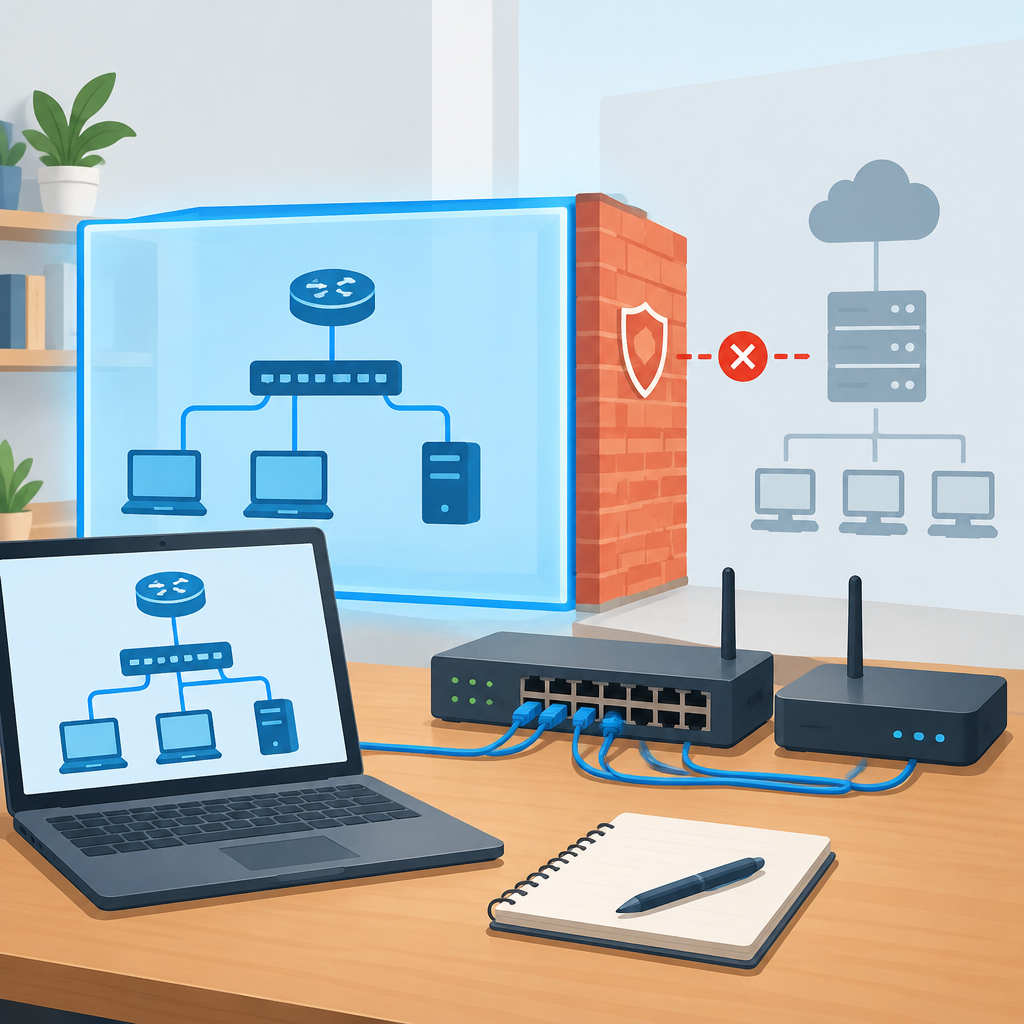
A safe networking practice environment begins with a hard boundary between your lab and any production network. The goal is to learn core concepts without accidentally interrupting internet access, exposing devices, or changing settings on equipment that matters to other people. Define one device, one switch, or one virtual machine host as your lab anchor, then keep all practice traffic inside that boundary unless you deliberately test an outbound connection that you understand and can reverse. The safest early setup uses spare hardware, a dedicated virtual environment, or a separate cloud sandbox with tightly limited permissions. Before touching anything, write down what is in scope, what is not, and how you will stop if a change behaves unexpectedly. If you are unsure whether a device shares infrastructure with a real office or home network, do not proceed until you confirm ownership and isolation. The most useful habit is to assume every mistake is reversible only after you have a rollback plan and a tested way to disconnect the lab from everything else.
2. Choose Hardware, Virtualization, or Cloud With Isolation in Mind
You do not need expensive gear to learn networking basics, but you do need an environment that matches your goals. Physical hardware is useful for understanding cables, link lights, switch behavior, and wireless coverage, while virtual machines and containers are better for fast resets, snapshots, and repeated experiments. A small unmanaged switch, an old router running factory settings, and two test laptops can demonstrate addressing, DHCP, and basic troubleshooting. If you prefer virtualization, create a host-only or internal network so the lab machines can see each other but not your household or office devices. In cloud platforms, use a dedicated account or project, minimal permissions, and network controls that limit inbound and outbound traffic. Avoid connecting a lab router to a live upstream network unless you fully understand the routing and DHCP effects it can create. The safest choice is the one you can isolate, inspect, and revert quickly. Before building, verify that you know how to power down, disconnect, or destroy the environment if a test goes wrong, because quick shutdown is often the best stop condition.
3. Establish Addressing, Naming, and Documentation Rules
Good documentation is part of safety because it reduces guessing. Begin with a simple IP plan, even if the environment has only two or three devices. Pick one private subnet, reserve a small range for manual addresses, and keep a separate range for DHCP assignments if you plan to use automatic addressing. Name devices clearly so you can identify them in logs and command output; vague names like PC1 or switch2 make troubleshooting harder when you revisit the lab later. Record the management IP of each device, the gateway you intend to use, and any DNS server you configure. Write changes down before you apply them, and note what you expect to happen afterward. This matters because network problems often come from small contradictions, such as two devices sharing the same address or a laptop receiving an address from the wrong server. If you are learning subnetting, create a paper worksheet first and compare it with the device configuration before saving. Stop immediately if the lab begins handing out addresses to equipment outside your test scope, because that usually means the boundary is not actually isolated.
4. Practice Switching and Cabling Without Affecting Others
Switching basics are easiest to understand when you can observe link state and traffic flow in a controlled space. Start with one switch and a few endpoints, then connect and disconnect devices one at a time so you can see what changes. Learn how access ports behave, how a broadcast domain works, and how a device reacts when the cable is unplugged or moved to a different port. If your hardware supports VLANs, use them only after you understand the plain default network, and keep each VLAN purpose simple and documented. Mispatching cables is one of the most common beginner errors, so label both ends and keep a small map of port numbers. If you are using a managed switch, do not modify trunking or port security until you know how to recover access through a local console or another management path. A safe practice rule is to change only one variable at a time. That way, if a device disappears from the network, you can identify whether the cause was the cable, the port mode, the address, or the service you just altered.
5. Learn Routing, NAT, and Default Gateway Concepts Carefully
Routing concepts become clearer when you compare networks that can talk locally but not beyond their subnet. Use your lab to explore how a default gateway forwards traffic to other networks, why a routing table matters, and how private addresses differ from public ones. If you introduce NAT, do it only in a controlled lab router or virtual firewall that you can reset afterward. A common beginner mistake is assuming that internet access proves the rest of the lab is correct; in reality, a single default route can hide many configuration errors. Test one path at a time: from one host to another host on the same subnet, then to the gateway, then to a second subnet if you created one. Keep the configuration reversible by saving a known-good copy before each change. If your device supports backup and restore, verify that process before you need it. Stop if a routing experiment unexpectedly affects devices you did not intend to reach, because that indicates your boundaries or gateway settings are broader than your practice plan allowed.
6. Add Services Such as DHCP, DNS, and Wi-Fi With Care
Core network services make a lab more realistic, but they also create more ways to break things. DHCP is useful for learning automatic addressing, lease renewals, and default option delivery, while DNS demonstrates how names become addresses. When you test these services, isolate them so they do not compete with your home or office infrastructure. For example, do not place a test DHCP server on a network where real devices might accidentally request addresses from it. With Wi-Fi, use a separate SSID for the lab if you are working on your own equipment, and choose settings that make the network obviously distinct from your daily use networks. Keep credentials unique and avoid reusing passwords from production accounts. The most important verification step is to confirm that only the intended client receives the intended service. If a device picks up an unexpected IP address, DNS server, or wireless profile, stop and remove the configuration before continuing. Service testing should always include a rollback step, such as disabling the server, deleting the test scope, or restoring the previous wireless configuration.
7. Build Defensive Security Habits Into Every Experiment
A practice environment should teach security discipline from the start. Use separate accounts for administration, avoid running unnecessary services, and apply the principle of least privilege to cloud projects, shared folders, and management interfaces. If you simulate a firewall or access control list, keep the rules simple and document what each rule is meant to protect. Learn to recognize logs, connection attempts, and blocked traffic so you can tell the difference between a successful filter and a broken service. Do not expose lab systems directly to the public internet unless you have a specific, authorized reason and the controls to support it. Basic defensive habits also include updating credentials after experiments, disabling unused interfaces, and keeping snapshots or backups away from the lab network so they cannot be altered by a mistake inside it. A useful stop condition is any unexpected inbound connection from outside the lab or any administrative prompt that you do not recognize. In that case, disconnect the lab from external links first, then inspect the configuration before reconnecting anything. Security is not only about blocking threats; it is also about preventing your learning environment from becoming a threat itself.
8. Troubleshoot Methodically and Know When to Stop
Hypothetical example for practice.
Troubleshooting is a skill, and a safe lab gives you room to practice it methodically. Start with the physical layer, then address assignment, then name resolution, then routing, and finally application reachability. If a web page does not load, do not immediately change multiple settings; first verify link status, then confirm the IP address, then test ping or another basic connectivity check, and only after that inspect DNS and gateway behavior. Keep a notebook of every command or setting you changed, because a record is often faster than memory when you need to undo a mistake. Hypothetical example on an owned test network: a laptop cannot reach a file share after you move it to a different subnet. You check the assigned address, confirm the gateway, test DNS, and discover the client is still using an old lease. Releasing and renewing the address solves the issue without touching the server. Stop when a change affects the wrong subnet, when you cannot explain the result, or when recovery requires guessing. The best practice environment is one you can pause, restore, and understand, not one that only works when nothing unexpected happens.
Post a Comment