
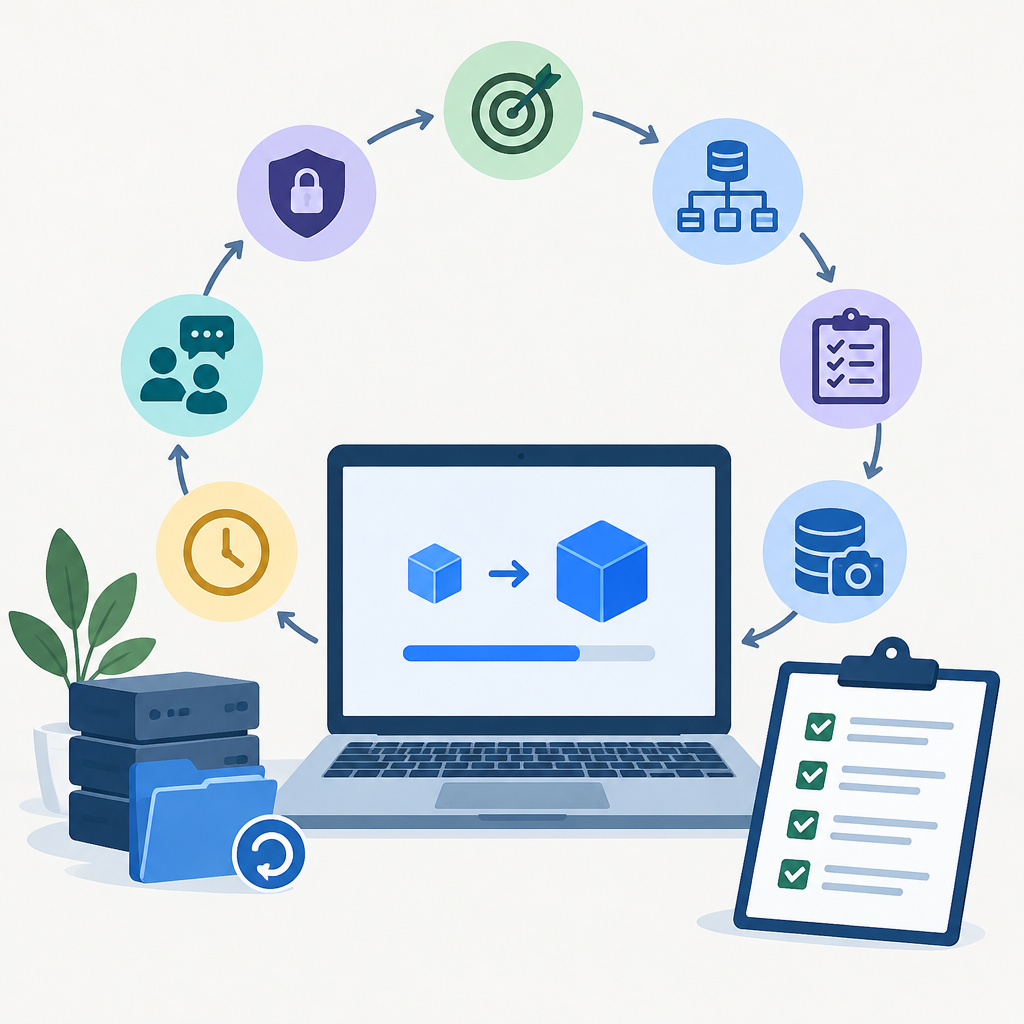
Define the upgrade goal and the rollback boundary
Start by stating why the upgrade is happening and what outcome would count as success. An upgrade may be driven by security hardening, compatibility with a new operating system or database, support for a cloud migration, or the need to remove a known defect. Once the goal is clear, define the rollback boundary: what changes can be safely undone, what data can be restored, and what cannot be reversed without business impact. This boundary matters because a rollback is not the same as a full disaster recovery event. A rollback should return the application to the last known good state with minimal drift, while a recovery plan covers broader outages, corruption, or infrastructure loss.
Before any technical task, identify the systems in scope, the dependencies they touch, and the people who must approve the change. Include application servers, load balancers, identity services, DNS, certificates, storage, queues, caches, and any cloud services that the app depends on. Keep the target environment narrow and well understood. If settings differ by platform, consult vendor documentation for the exact sequence, but keep the planning logic the same: define success, define failure, and define the point at which you will stop and revert.
Map dependencies, data paths, and hidden coupling
A safe upgrade plan begins with dependency mapping. Document where the application gets its configuration, where it stores state, and which external services it calls. Think in layers: client access, network path, application runtime, data store, and supporting services such as email, object storage, message brokers, and authentication providers. Include both direct and indirect dependencies, because hidden coupling is a common cause of failed upgrades. A small change in a library version, cipher policy, file format, or API response can create unexpected breakage even when the main application appears unchanged.
Also note which dependencies are shared by other systems. If the application uses a common database, reverse proxy, or directory service, changes may affect neighboring workloads. In cloud environments, review security groups, routing, certificates, and managed service limits as part of the dependency map. For on-premises systems, include firewall rules, VLANs, IP allow lists, and DNS records. The aim is not to document every wire, but to avoid surprises. A rollback checklist is stronger when it covers dependent components in the same order they would need to be restored.
Build a test plan with baseline behavior and acceptance criteria
Do not upgrade until you have a baseline. Capture the current version, configuration state, service health, and a short list of business-critical actions that represent normal behavior. Baselines can include login, search, read, write, export, scheduled jobs, integrations, and error handling. For each action, define what success looks like and how you will measure it. The more repeatable the test, the better it serves both upgrade validation and rollback verification.
Acceptance criteria should be specific enough that a change can be judged quickly. For example, the application might need to load within an expected range, complete a transaction without error, or continue processing queued work after a restart. Avoid vague goals such as “looks fine” or “seems faster.” If the upgrade involves security controls, include checks for authentication, authorization, session handling, logging, and certificate trust. Keep the test plan brief but complete, and make sure every test can be run on the same authorized environment before and after the change. A strong rollback checklist references the same tests so that recovery is confirmed, not assumed.
Prepare backups, snapshots, and configuration exports
Backups are the center of rollback planning, but they should be treated as a tested control rather than a comforting assumption. Prepare recoverable copies of application data, configuration files, secrets material handled according to policy, and any supporting database or file-system state needed to return to the previous release. If the platform supports snapshots, note their scope and limitations. A snapshot can be useful for a quick revert, but it may not capture everything needed for a clean rollback, especially when application data changes during the upgrade window.
Export configuration before the change in a form that can be restored without guesswork. That includes service definitions, environment variables, scheduled tasks, routing or proxy rules, certificate references, and integration settings. Keep backup artifacts in a known location with access controls appropriate to the data. Verify the restore path before the change window if possible. A backup that has never been restored is only a theory. In cloud and containerized environments, preserve infrastructure-as-code inputs, image tags, and deployment manifests so the previous state can be rebuilt consistently if a direct rollback is not sufficient.
Plan the sequence, timing, and communication
Sequence matters because upgrades often fail due to order, not content. Write the change in steps: freeze nonessential changes, notify stakeholders, drain traffic if needed, stop scheduled jobs, back up state, apply the upgrade, validate the application, and either continue or roll back. If the application is distributed, decide whether components are upgraded together or in a staged pattern. Mixed versions can be normal for a short time, but only if the architecture supports it. If not, keep the maintenance window aligned so that the system does not run in an unsupported intermediate state.
Communication should be practical, not theatrical. Tell users when the window starts, what may be unavailable, how to report issues, and when to expect the next update. Internally, name the decision makers who can approve continuation or rollback. Also define a stop condition before the work begins. For example, if authentication fails for a large portion of test logins, if data writes are inconsistent, or if monitoring shows sustained errors beyond an agreed threshold, the upgrade pauses and the rollback checklist starts immediately. Clear stop conditions reduce hesitation and help teams act consistently under pressure.
Execute the upgrade on an owned or authorized system
Hypothetical example for practice.
Hypothetical example: an organization is upgrading a customer portal after validating the release in a staging environment that mirrors production data shape, network controls, and identity integration. The team first pauses noncritical batch jobs, confirms current backup status, and records baseline checks for login, page load, and record creation. They then apply the application package, restart services in the documented order, and verify that the runtime, database connections, and external API calls recover correctly. After each step, they compare observed behavior with the acceptance criteria rather than assuming that the restart alone proves success.
During execution, watch for subtle signs of trouble: increased error rates, unusual latency, certificate warnings, session failures, or partial data writes. These issues often indicate configuration drift, stale secrets, permission problems, or version incompatibility. If the environment includes cloud load balancers or reverse proxies, confirm that health checks still reflect the correct backend state. Do not expand the change to other systems while this one is still being validated. The goal is to limit variables so that any failure is easy to attribute and easy to reverse.
Use the rollback checklist as an active decision tool
A rollback checklist should be concrete enough that another qualified operator can follow it. Include the trigger that starts rollback, the current version to restore, the backup location, the order of service shutdown and startup, and the verification steps after restore. Add details for dependencies such as database schema compatibility, queue drains, cache invalidation, DNS TTL considerations, and any temporary firewall or routing changes made for the upgrade. If secrets, certificates, or tokens changed during the upgrade, list how to restore the prior references without exposing sensitive material.
Treat rollback as an operation with its own risks. Restoring an old application binary may not be enough if the database schema was migrated forward in a nonreversible way. That is why the plan should state in advance whether schema changes are backward compatible, delayed, or prohibited until the application is proven stable. If the upgrade must be reversible, keep database changes additive or staged where possible. If reversibility is not possible, say so plainly and treat the process as a controlled cutover rather than a simple upgrade. The checklist should end with a confirmation that service health, user access, logs, and data integrity have returned to the previous accepted state.
Common mistakes, verification, and clean closure
The most common mistake is confusing installation success with operational success. A package can deploy cleanly while users still face broken authentication, failed integrations, or missing data. Another frequent error is skipping the restore test because the backup job completed successfully. Backup completion is not proof of recoverability. Teams also get into trouble when they change more than one variable at a time, such as upgrading the application, the operating system, and the database driver in a single window. Smaller, reversible changes are easier to reason about and easier to roll back.
After the change or rollback, run the same baseline tests used during planning and record the results. Check application logs, system logs, network reachability, certificate status, and any monitoring alerts that support your service model. Confirm that scheduled jobs, notifications, and user sessions behave normally. Once the system is stable, close the change by documenting what was changed, what was restored, where backups were stored, what warnings appeared, and what should be improved before the next maintenance window. A careful closure turns one upgrade into better future practice, which is the real value of a rollback checklist.
إرسال تعليق