
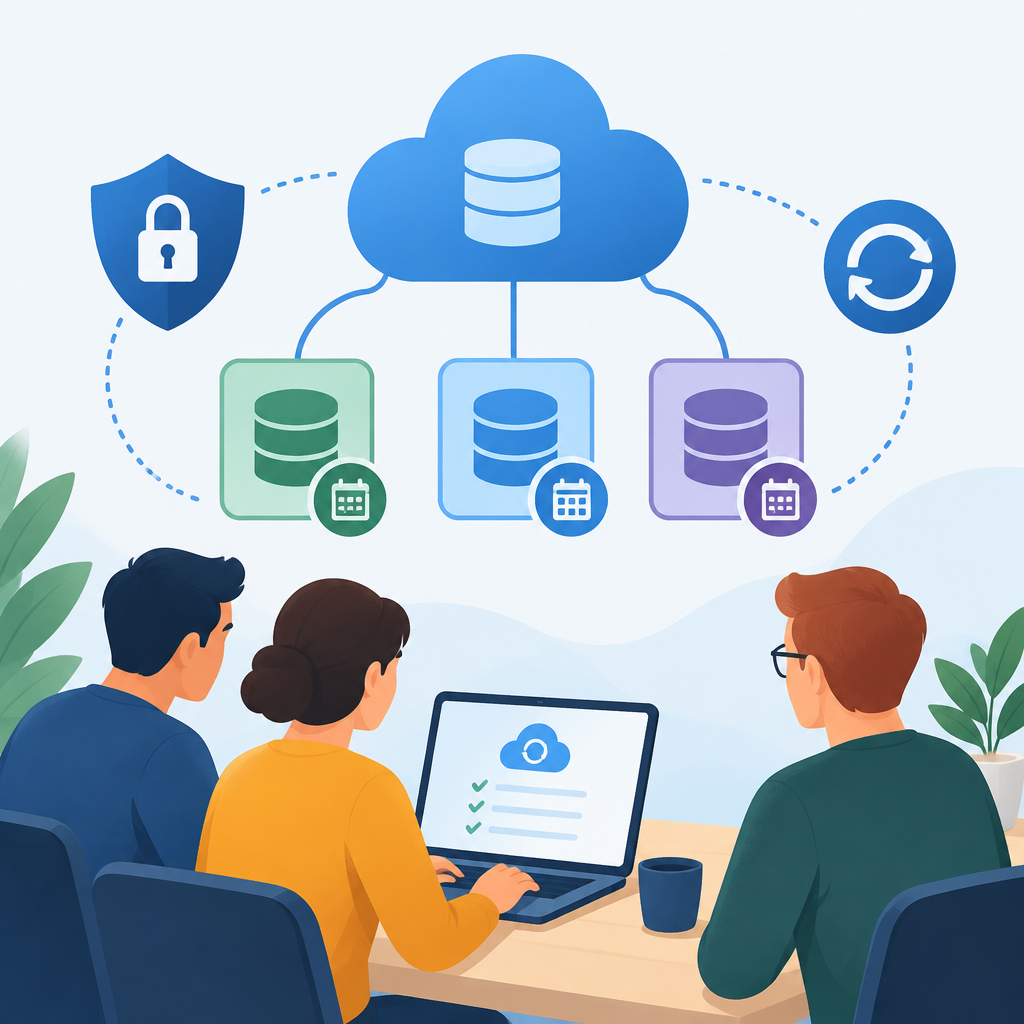
1. Start with the business goal and the data scope
A cloud backup retention plan should begin with a plain-language answer to one question: what data must survive mistakes, outages, ransomware, and staff turnover long enough for the team to recover work? For a small team, that usually includes file shares, project documents, email archives, application data, configuration exports, and key identity or infrastructure records. Do not back up everything by habit. Classify the data by business value, change rate, and recovery need. A document folder edited daily may need different retention than a reference archive that changes once a quarter. On owned or authorized systems, list the systems in scope, the data owner for each one, and the likely restore target if something is lost. This inventory becomes the foundation for every later decision. A good stop condition is simple: if you cannot explain why a dataset is protected, you should not add it to the backup policy yet. That avoids unnecessary storage, confusion, and future restore mistakes.
2. Define recovery objectives before choosing retention periods
Retention is only useful when it matches recovery needs. Start with two practical targets: how much data loss the team can tolerate, and how quickly it must be restored. The first is often described as a recovery point objective, and the second as a recovery time objective. For a small team, these do not need to be formal enterprise documents, but they should be written down. A design file edited throughout the day may require frequent backups and a short retention window for recent versions, while an internal policy document may need a longer archive period. Make the decision by business function, not by file type alone. For example, a folder containing monthly reports may only need monthly long-term copies after the first week of fast-changing work is complete. If the team uses cloud sync, remember that sync is not the same as backup because deletions and bad edits can spread quickly. Choose retention periods that preserve enough historical versions to reverse common human errors while avoiding indefinite growth. Consult your vendor documentation for snapshot, versioning, and lifecycle behavior, because the exact controls vary by service.
3. Build a tiered retention model that is simple to operate
Small teams do best with a few clear retention tiers rather than a long policy table. A practical model is: short-term versions for recent mistakes, medium-term backups for operational recovery, and long-term archives for compliance or business records. Short-term copies might be kept for days or weeks so accidental deletions and overwrites can be reversed quickly. Medium-term copies can cover month-end close, project milestones, or delayed incident discovery. Long-term archives should be limited to data with a real business or legal reason to keep it. Assign each dataset to one tier, then document the reason. This avoids the common mistake of copying the same data into several places with no decision about which copy is authoritative. If the provider supports lifecycle rules, use them to move older backups into cheaper or slower storage only after verifying that restore speed is still acceptable for the data class. Do not depend on a single restore path for every tier. Keep at least one way to retrieve critical data even if a primary account, region, or automated job fails. The plan should stay understandable enough that another team member can operate it during an outage.
4. Design security controls around the backups themselves
Backup data is sensitive because it often contains the same information as live systems, plus history that may no longer exist elsewhere. Protect it with layered controls. Use separate administrative accounts or roles for backup management, and limit who can change retention, delete archives, or disable jobs. Require strong authentication and, where available, multifactor authentication for the consoles that manage backup storage. Encrypt data in transit and at rest, but also verify who controls the encryption keys, because losing keys can make backups unrecoverable. For defensive cybersecurity, treat backup repositories as high-value targets and reduce their network exposure. If the service allows network restrictions, limit management access to trusted addresses or private connectivity. Review service-account permissions regularly so a compromised user account cannot silently erase history. Avoid storing backup credentials in the same place as the data they protect. Use separate recovery credentials and test that a limited administrator can still restore without being able to destroy retention settings. If your provider offers immutable or write-once protections, evaluate them for critical datasets. Consult vendor documentation for exact controls, and stop if you cannot verify who can delete what.
5. Make the backup schedule and version rules match real work patterns
A good retention plan uses the cadence of actual business activity. If most team changes happen during business hours, frequent backups during that window capture the most risk. If the team closes files at night, a nightly full or synthetic full copy may be enough combined with more frequent incremental versions. The goal is not maximum frequency; it is useful restore points with manageable storage growth. Define how many versions to keep for actively edited data, how long to keep daily copies, and when to roll older copies into weekly or monthly points. Also define what happens when a file is renamed, moved, or deleted. Many problems arise when people assume the cloud will intuit intent. It will not. Test how the system behaves with large files, locked files, and databases, because those often need application-aware methods rather than simple file copying. Use the smallest set of backup jobs that still separates critical data from less important material. That reduces monitoring burden and makes troubleshooting easier when a job fails. A practical stop condition is reached when every job has an owner, a schedule, a retention period, and a documented reason for existence.
6. Verify restores before you trust the plan
A backup that has never been restored is only an assumption. Verification should be part of the retention design, not an afterthought. Start with small, reversible restore tests on owned or authorized systems. Restore a single file, a folder, and then a complete dataset into an isolated location that does not overwrite production. Check that timestamps, permissions, and file integrity look correct. For databases or application state, confirm that the restored copy starts cleanly and contains the expected records. Measure how long each restore takes so you can judge whether the chosen retention tier supports the team’s real recovery window. Also verify that old backups can still be read after format changes, account rotations, or storage tier changes. Common mistakes include testing only the most recent backup, skipping permissions checks, and assuming that cloud snapshots are interchangeable with application backups. Keep a restore log that records what was tested, when, by whom, and the result. If a restore fails, do not expand the retention window until the cause is understood. Reversible changes matter here: adjust one variable at a time so you can identify whether the issue is permissions, storage access, encryption, or application consistency.
7. Plan for troubleshooting, lifecycle changes, and rollback
Retention plans need a maintenance path. Over time, storage classes change, projects end, and people leave. Build a review cycle that checks whether each backup set is still needed, still owned, and still restorable. If a job fails, separate the problem into network reachability, authentication, quota, encryption, source availability, and destination health. That troubleshooting order is useful because it narrows the cause without making risky changes. Before altering a retention rule or moving data to a new storage tier, confirm whether the provider will recalculate expiration dates, preserve restore points, or trigger an immediate delete. This is where rollback planning matters. Keep the previous policy exported or recorded so you can return to it if the new one removes too much history. Use controlled changes and avoid changing retention for every dataset at once. A common mistake is assuming lower-cost storage is always safe for all data. Some archives are fine with slower retrieval; others are operationally critical. Stop if the new lifecycle rule prevents you from restoring within the required window. In that case, adjust the policy, not the application, first.
8. Document the policy so the team can actually use it
The best retention design is the one people can follow during a busy week or a late-night incident. Document the policy in short, operational language: what is backed up, how often, where it is stored, how long each tier is kept, who can approve exceptions, and how to start a restore. Include the prerequisites for access, such as identity credentials, recovery approvals, network reachability, and any decryption keys. Name the system owner and a backup owner for every critical dataset so responsibility does not disappear when roles change. Put the review date in the document and revisit it after major application changes, mergers of shared folders, storage migrations, or security incidents. Use hypothetical examples on owned or authorized systems when training the team. For instance, a small team might keep collaboration files for thirty days of version history, monthly archives for a year, and a separate long-term record set for specific business documents. The exact numbers should come from your business need and vendor capabilities, not from guesswork. End the plan with clear stop conditions: if you cannot restore a sample file, cannot explain a retention rule, or cannot identify an owner, pause the rollout until the issue is resolved.
إرسال تعليق